
VR Flight Simming in 2026: PSVR2, PC Headsets and Whether It Makes You a Better Pilot
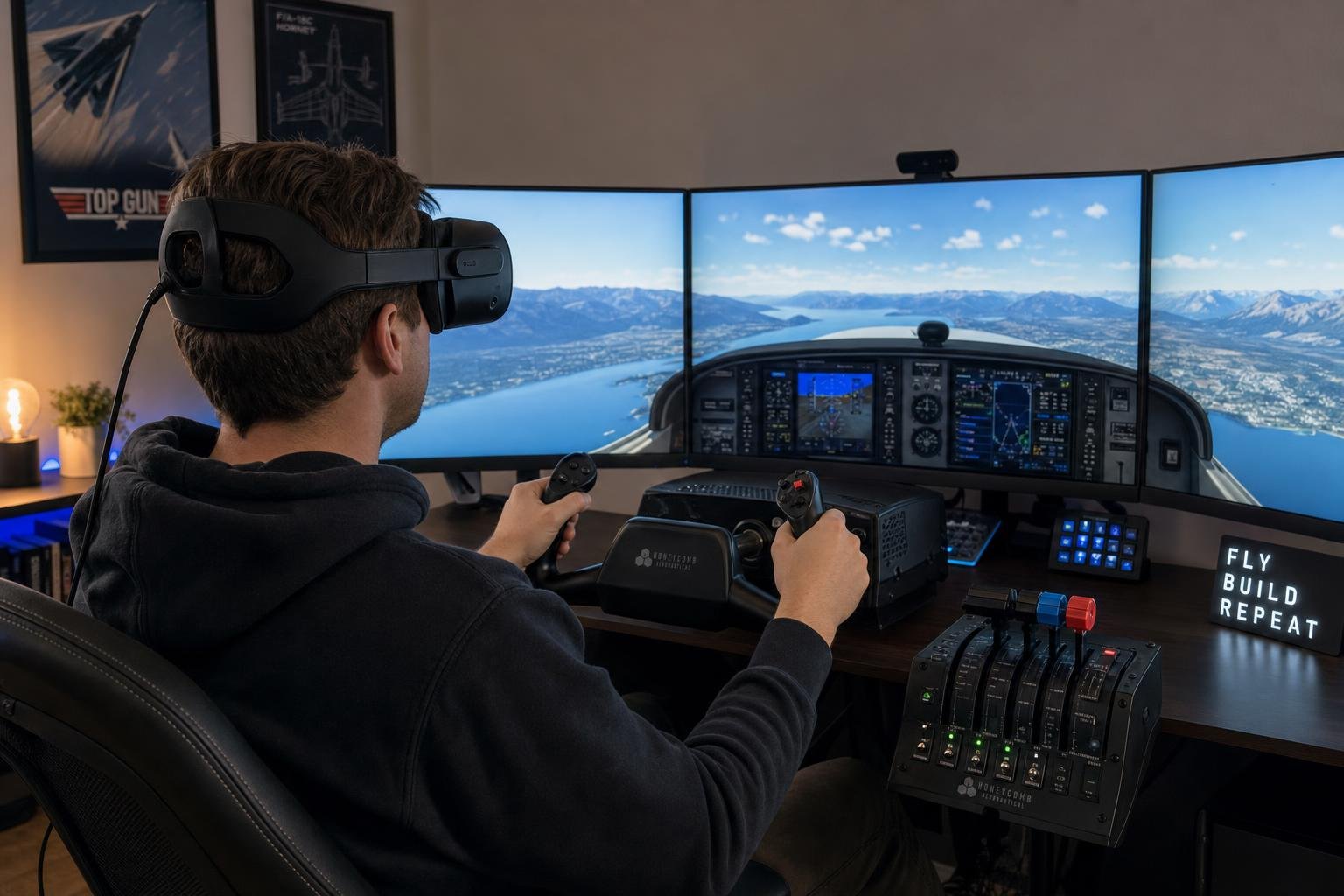
Every article about VR flight simming ends the same way, with "once you try it, you can never go back." You've read that sentence, probably in three places, and you're still sitting in front of a monitor, because nobody who wrote it told you what actually changes about your flying. Immersion isn't in dispute. Whether the headset makes you a better pilot is, and it's a different question with a more interesting answer.
The honest answer is that VR improves your flying in one specific place, for a reason you can name, and slightly degrades it in another, also for a reason you can name. Once you understand both mechanisms, the buying decision, the settings decisions and the "should I fly this flight in VR" decision all fall out of them. That's what I want this article to do.
Depth perception is a short-range sense, and that decides everything
Start with what a flat monitor can't do. Your brain judges distance through several channels, and two of the strongest are physically impossible on a 2D panel.
The first is binocular stereopsis. Your eyes are about 6 cm apart, they see slightly different images, and the brain reads the difference as depth. The crucial detail, which almost no VR article mentions, is that stereopsis is a close-range sense. It's strongest within roughly the first ten metres and fades rapidly beyond that. At 500 ft on final it contributes almost nothing, because the runway looks the same to both eyes. But a light aircraft flares from roughly 10 to 20 ft, which is 3 to 6 m, dead inside stereopsis range. The one moment in the whole flight where a headset can hand you depth information a monitor cannot is the exact moment where height judgement decides whether you grease it or arrive.
The second is head-tracked motion parallax. Move your head 5 cm and nearby objects shift against distant ones, and the size of the shift encodes distance. A fixed monitor renders one viewpoint no matter what your head does. In VR, the small involuntary head movements everyone makes on short final continuously refresh your height estimate. This isn't immersion garnish. It's a second, independent depth channel, and like stereopsis it does its best work close to the ground.
The third mechanism is peripheral optical flow. Lateral drift at touchdown, in a real aircraft, is detected mostly out of the corners of your eyes. The ground streaming past at the edge of vision tells you which way you're sliding before the centreline visibly moves. A single monitor at a typical zoom level covers something like 40 to 50 degrees of your visual field, which is illustrative rather than exact but the right order of magnitude. Human horizontal vision covers roughly 200 degrees, and consumer headsets sit around 100 to 115. That widening is why VR pilots consistently report that crosswind decrabs "just started working". They didn't learn a technique. They gained the sensor the technique depends on.
Put the three together and the pattern is obvious. All of VR's genuine flying advantages are concentrated in the last few hundred feet, and most heavily in the last twenty. On the monitor, your flare timing was a learned 2D pattern, a memorised sight picture of runway aspect ratio and sink acceleration. In VR it becomes actual geometry. This is also why your monitor-trained flare doesn't transfer into the headset on day one. You spent years calibrating to a picture, and the picture has been replaced by the real thing. Expect a handful of ugly circuits while you recalibrate. They're not evidence that VR is worse. They're evidence that you were compensating.
What the headset takes away
If VR were pure gain, the article would end here. It's a trade, and the currency you pay in is acuity.
Human 20/20 vision resolves about 60 pixels per degree. No consumer headset in 2026 reaches that. A PSVR2 sits somewhere around 19 PPD, a Quest 3 in the mid-20s, a Pimax Crystal Light in the mid-30s, and the Crystal Super around 50 depending on variant and how you measure. All approximate, because PPD varies across the lens and manufacturers measure generously. Your monitor, by contrast, comfortably exceeds 60 PPD at normal viewing distance. So the trade is explicit. VR gives you depth and periphery, and takes away sharpness.
Where that lands hardest is the instrument scan. In a real cockpit, and on a monitor, scanning is done with eye saccades. Your eyes flick between airspeed, attitude, altimeter, VSI, while your head barely moves, and the whole panel sits within foveal reach. In a low-PPD headset, only the lens sweet spot is sharp, so a scan that used to be eye movements becomes head movements, slower, heavier, and tiring over a two-hour IFR leg. The degradation is real and measurable. It shows up as wider glideslope oscillation on an ILS, because you're sampling the needles less often.
Performance compounds this. A 2026 GPU running MSFS 2024 at full VR resolution rarely holds 90 fps native, so reprojection (the headset synthesising every other frame by warping the last real one) is the normal operating state, not the degraded one. Reprojection fails worst on thin, high-contrast edges moving against your head motion. Propeller discs, window frames, and runway edge lines in the flare, which is unfortunate, because the flare is exactly where you're looking at runway edge lines. Frame-time consistency matters more than the average figure here. A locked 45 reprojected to 90 is far more flyable than a stuttering 70, which inverts monitor intuition. And if you stream wirelessly to a Quest, video compression smears precisely the content it finds hardest, small high-contrast text, which happens to be your EFIS. The wireless convenience tax is paid entirely in instrument readability.
One line rescue worth knowing. In MSFS, DLSS ghosting on glass-cockpit displays (moving PFD numbers smearing) is a known artifact class with known fixes in the upscaler and per-instrument settings. Per-simulator VR performance tuning is its own perishable article. The point here is only that "I can't read my instruments" is often a settings problem stacked on top of a PPD problem.
Reading the 2026 hardware through that lens
The buyer's guides rank headsets by spec sheet. Rank them instead by the two things that matter for flying, depth-and-periphery (which every headset delivers) and PPD (which decides gauge readability), and the field sorts itself quickly.
| Headset | Approx. PPD | Lenses | Panel | Flight-sim reading |
|---|---|---|---|---|
| PSVR2 (+ PC adapter) | ~19 | Fresnel | OLED | Cheapest entry; superb night contrast; smallest sweet spot |
| Quest 3 | ~25 | Pancake | LCD | Best all-rounder; passthrough; wireless option with compression cost |
| Pimax Crystal Light | ~35 | Aspheric/glass | LCD | Glass cockpits become readable without leaning |
| Pimax Crystal Super | ~50 | Pancake-class | LCD | Closest to monitor acuity; priced and GPU-taxed accordingly |
All figures are approximate and variant-dependent. Treat them as a ladder, not a datasheet.
The PSVR2-on-PC story deserves the honest ledger most coverage skips. With Sony's PC adapter it's the cheapest respectable entry into PC VR, typically a few hundred dollars all-in and frequently discounted, with OLED panels that make night flying look the way night actually looks. But the adapter drops eye tracking, HDR and the headset haptics on PC, its Fresnel lenses have a small sweet spot that punishes sloppy fit, and OLED brings its own night-flying gremlins. Mura (faint panel grain visible on dark scenes) and black smear on moving dim objects. The very use case OLED is bought for is where its artifacts live. Buyers should know that before the first night circuit, not after.
The Quest 3's distinctive 2026 contribution is mixed-reality passthrough. You can cut a window in the virtual cockpit and see your real yoke, throttle and keyboard through the headset's cameras. This is the current best answer to VR's interaction problem, the fact that every physical control must otherwise be found blind. That problem quietly shapes behaviour more than people admit. VR pilots drift toward aircraft and procedures with fewer knob interactions, because twenty seconds of blind fumbling for a heading bug is twenty seconds of not flying. It also differs by simulator. X-Plane's VR mouse model and MSFS's controller-and-hands model make the same cockpit pleasant in one and infuriating in the other. And Prepar3D users should know plainly that VR support across v4 to v6 is far weaker than the native implementations in MSFS and X-Plane, so this article is effectively about four of the five major platforms.
One more hardware truth, and it's the unwelcome one. Past the point where you can read the airspeed indicator without leaning, further PPD buys you screenshots, not skill. The flying benefit of VR, depth and periphery, is delivered in full by a PSVR2. The upgrade treadmill from 25 to 35 to 50 PPD is a hobby within the hobby. Enjoy it as one, but don't confuse it with training.
The three faults behind "VR made my landings worse"
When a pilot puts the headset on and their landings deteriorate, one of three distinct things has gone wrong, and they need different fixes. Treating one as another wastes weeks.
The geometry is lying. Wrong IPD (interpupillary distance) or a wrong world-scale setting renders the cockpit and runway subtly the wrong size, which corrupts stereopsis itself, the exact cue that is VR's whole advantage. A pilot with mis-set IPD flares consistently high or low and blames technique. Fix the fit first. Measure your IPD properly, set it in the headset, and check that the cockpit feels the size of a real one.
The frames are lying. Reprojection shimmer or frame-time stutter in the flare means the visual world hesitates at the moment you're extracting height from it. If landings are fine in calm air and fall apart in dense scenery or gusts, this is performance, not piloting. Cap the frame rate at a value the GPU always holds, and only then spend leftover headroom on clarity. Supersampling to fix readability at the cost of frame timing leaves you worse off in the flare than before.
You are lying to yourself. The monitor sight-picture is unlearned over a handful of circuits, not one. If the geometry and the frames are right, the fix is repetitions, and the fastest way to get them is below.
Motion sickness decomposes the same way. Nausea during turns and accelerations is vection, the illusion of self-motion from visual flow, which is the same mechanism that makes VR turns feel real, so you can't have the immersion without the risk. The fix is graduated exposure, and adaptation is commonly reported within the first five to ten short sessions. Nausea triggered by head movement is latency or frame timing, and research puts the comfort threshold at roughly 20 ms motion-to-photon as a rule of thumb, so the fix is performance, not patience. A headache with no nausea is usually fit. IPD, focus, or a Fresnel sweet spot you're not centred in. Same symptom cluster, three different problems. And remember that while the simulator can pause, your inner ear cannot. Structure early sessions as short flights in calm air, straight-and-level before turns, turbulence last, and take the headset off at the first sign of queasiness rather than white-knuckling to touchdown.
Match the display to the task, not the identity
The question "is VR worth it" has no answer without "for what flying". A Cub, a warbird or a bush strip in Alaska, all outside references, three instruments, constant lookout, is transformed by VR, because everything that matters is visual, close, and peripheral. A study-level airliner is arguably worse in VR than on a monitor. The work is heads-down, the FMS is small text at low PPD, and every knob is a blind reach. The community treats VR as a lifestyle commitment, a one-way door. Treat it instead as a tool with a task profile.
- In the headset. VFR circuits, crosswind work, aerobatics, formation, bush and low-level flying, traffic-pattern lookout, anything where depth, periphery and head movement carry the skill.
- On the monitor. IFR procedure practice, glass-cockpit type learning, FMS work, long cruise legs, anything where scan speed and text readability carry the skill.
There's a second, quieter reason to keep the monitor in rotation. Every VR session starts with a ritual, headset, cable, boundary, lens wipe, and donning friction is a practice-volume tax. Plenty of headset owners end up flying less after buying VR, and practice frequency drives skill harder than session quality does. A pilot flying three flat sessions a week is probably improving faster than one flying a single VR session, whatever the single session feels like. If the headset halves how often you fly, it's making you worse.
What carries into a real cockpit, and what carries the wrong way
For readers eyeing real training, the transfer question deserves an honest paragraph rather than a slogan.
What carries. The depth cues are the real ones, so flare-height judgement calibrated in VR is calibrated against genuine geometry. Traffic-pattern lookout habits, because VR makes you move your head the way an aircraft demands. And cockpit-flow familiarity from physically looking and reaching rather than mousing. Military and academic programmes, the USAF's Pilot Training Next experiments are the usual citation, reported that VR-heavy syllabi accelerated some phases of training, with caveats about which phases and how durable the gains were, and those caveats deserve as much weight as the headline.
What doesn't carry. Anything vestibular. VR trains none of the body's motion senses, no seat-of-the-pants, no G onset, no somatogravic illusions, while feeling dramatically more real than a monitor, and that gap between felt realism and trained realism is where misplaced confidence grows. There's also negative transfer worth naming. Leaning your head through the panel or fuselage to see things (an aircraft does not permit this), a scan slowed by lens sweet spots and accepted as normal, and hand positions learned for a game controller rather than a physical lever layout. And the regulatory reality is blunt. Consumer VR setups aren't certified as basic or advanced aviation training devices, so the time is loggable as nothing under FAA or EASA rules. Any transfer claim is about skill, never about credit.
Stop debating it and measure it
The claim I'm making is falsifiable per pilot, and that's its best feature. If the mechanism argument is right, your own numbers should show a specific signature. In VR, touchdown rate improves and centreline tracking tightens (depth and periphery restored), while the scan-dependent parts of the approach, sink rate control, glideslope tracking through the 1,000 ft stabilised-approach gate, hold steady or get slightly worse. If your numbers show something else, believe your numbers.
The homework. Ten circuits in the headset, ten on the monitor, same aircraft, same airfield, same weather, and compare the landings. One flight proves nothing, while twenty show a distribution shift. This is where automatic logging earns its keep, because manual logging inside a headset is impractical and a 2D logging overlay is exactly what VR removes. I built My FS Flights to record the whole flight in the background with nothing to click, and its landing report captures touchdown rate, threshold speed against VRef, and centreline and glideslope tracking for every circuit, so the VR-versus-flat comparison sits in your logbook whether or not you remember to run it. The stabilised-approach badge, assessed at 1,000 ft on gear, flaps, sink rate, glideslope and centreline, is the cleanest single indicator of whether the headset is costing you scan speed.
One caution about interpreting the result. If your VR landings are better, that improvement is partly better information rather than better technique. Restore the depth cues and almost everyone's touchdown rate improves. It's a real improvement and worth having, but it's cue-dependent, and the honest test of whether you've become a better pilot rather than a better-informed one is whether your flat-screen landings improved too. If they did, the VR repetitions taught you something portable, most likely a finer sense of sink-rate change. If they didn't, you've learned to fly well in the headset, which is a fine thing to have learned, as long as you call it what it is.
The highest-value drill to run while you're testing. Reposition to a 200 ft short final and fly only the last fifteen seconds, ten times in ten minutes. It's impossible in a real aircraft, pointless on a monitor where the depth cues you're calibrating don't exist, and it recalibrates a monitor-trained flare faster than anything else. Set a steady 10 kt crosswind for the second batch and watch the decrab start timing itself by sight. That drill, more than any headset spec, is the argument for owning one.